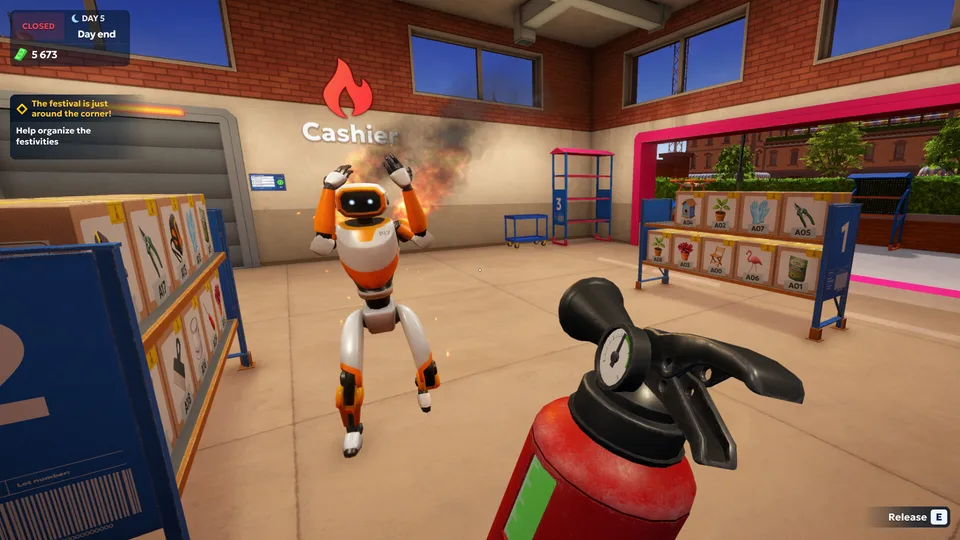
Shipping Store Simulator 2037 Robot Delivery Automation
Discover how shipping store simulator 2037 robot delivery automation transforms your logistics center into an efficient enterprise.
Published: Shipping Store Simulator 2037 Wiki Editorial Team
Table of Contents
Introduction to Future Logistics Management
Stepping into the year 2037 means managing a high-tech logistics center where manual labor quickly gives way to advanced machinery. Mastering shipping store simulator 2037 robot delivery automation is essential for scaling your enterprise from a struggling warehouse into a profitable empire. Without early intervention and smart upgrades, your delivery hub will drown in unorganized boxes and impatient customers.
Running a future logistics business requires balancing daily operations, VIP client demands, and equipment maintenance. Early game progression depends heavily on manual sorting, but introducing automated units fundamentally changes how efficiently your warehouse handles high-volume shipments.
Starting Out: From Manual Sorting to Automated Efficiency
When you first open your doors in Cranelock, every task falls directly on your shoulders. You must unload delivery vans, inspect packaging, apply tracking labels manually, and hand items over to waiting patrons.
Community reports indicate that manual sorting becomes unsustainable once customer traffic spikes and larger product categories unlock. Transitioning toward shipping store simulator 2037 robot delivery automation solves this bottleneck by delegating repetitive physical tasks to specialized mechanical assistants.
Operational Phase
Primary Tasks
Equipment Needed
Main Challenge
Early Game
Manual unloading, labeling, cash collection
Basic counter, hand scanner
High stamina drain, slow processing
Mid Game
Unloading robots, basic shelves, VIP orders
Consumable shelves, repair kits
Managing equipment wear and tear
Late Game
Full automation, drone zones, black market deals
Loader bots, automated sorting units
Competitor sabotage, complex logistics
Deploying Your First Robots and Drones
Investing in mechanical assistance requires expanding your warehouse floor space to accommodate incoming units. Playstrom designed the progression so that hiring your first customer service or unloading robot drastically alters your daily workflow.
Accumulate Capital: Fulfill standard customer requests and high-paying VIP orders during daytime operating hours to build a strong financial reserve.
Expand the Warehouse: Purchase the necessary warehouse expansions to ensure your mechanical workers have adequate clearance room to operate.
Acquire License and Units: Visit the in-game shop terminal to purchase robotic units and specialized automation licenses.
Unpack and Monitor: Place your new mechanical helpers onto the warehouse floor, keep an eye on their operational status, and perform maintenance using repair kits when performance dips.
Proper maintenance prevents unexpected operational failures. According to player experience, ignoring equipment wear leads to sluggish performance and missed delivery schedules during peak festival events.
Advanced Strategies: Black Market Deals and Competitor Sabotage
Efficiency in Cranelock is about more than just moving boxes. Rivals like Quickbox want a piece of the pie, leading to aggressive competition, hidden sabotage, and black market opportunities that operate strictly under the cover of darkness.
VIP Orders
High-net-worth clients place special, lucrative requests that require careful handling and often evening delivery schedules.
Black Market Contracts
Unlocking advanced licenses via the Sea Goods category allows you to fulfill restricted orders for massive payouts, despite FBI scrutiny.
Competitor Interference
Watch out for rival interference and suspicious clients who offer underground tips in exchange for stored supplies.
System Requirements for Optimal Performance
Before diving into complex automated logistics networks, ensure your PC meets the hardware specifications provided on the official Steam Store Page.
Operating System: Windows 10 (64-bit)
Processor: Intel i5 3550 or AMD Ryzen 5 2500X (Minimum) / Intel i5 7600K or AMD Ryzen 5 2600X (Recommended)
Graphics: NVIDIA GTX 1050 or AMD R9 270X (Minimum) / NVIDIA GTX 2070 or AMD 5700 XT (Recommended)
Storage: 7 GB available space
Frequently Asked Questions
How does shipping store simulator 2037 robot delivery automation improve warehouse efficiency?
Automating your logistics center allows mechanical units to handle heavy lifting, box unloading, and inventory management 24/7, freeing you up to focus on VIP contracts and store expansion.
Can I rename my shipping store in the game?
Based on early gameplay sessions, storefront naming is largely fixed during initial tutorials, though brand advertising and packaging options can be customized as your business grows.
What happens if my warehouse equipment breaks down?
Equipment wears out over time and loses performance efficiency. You must purchase repair kits from the shop interface and apply them directly to restore your machinery to full working order.